01
Import or photograph
Start with a body photo you shot yourself. Bring in the tattoo source from a screenshot, design, symbol, sketch, or reference. Any source.
InkMeld turns any image — from the internet, your camera, or a sketch — into a hyper-realistic tattoo simulation placed on your own body photo. AI cutout. Skin-aware placement. Twelve live realism controls.
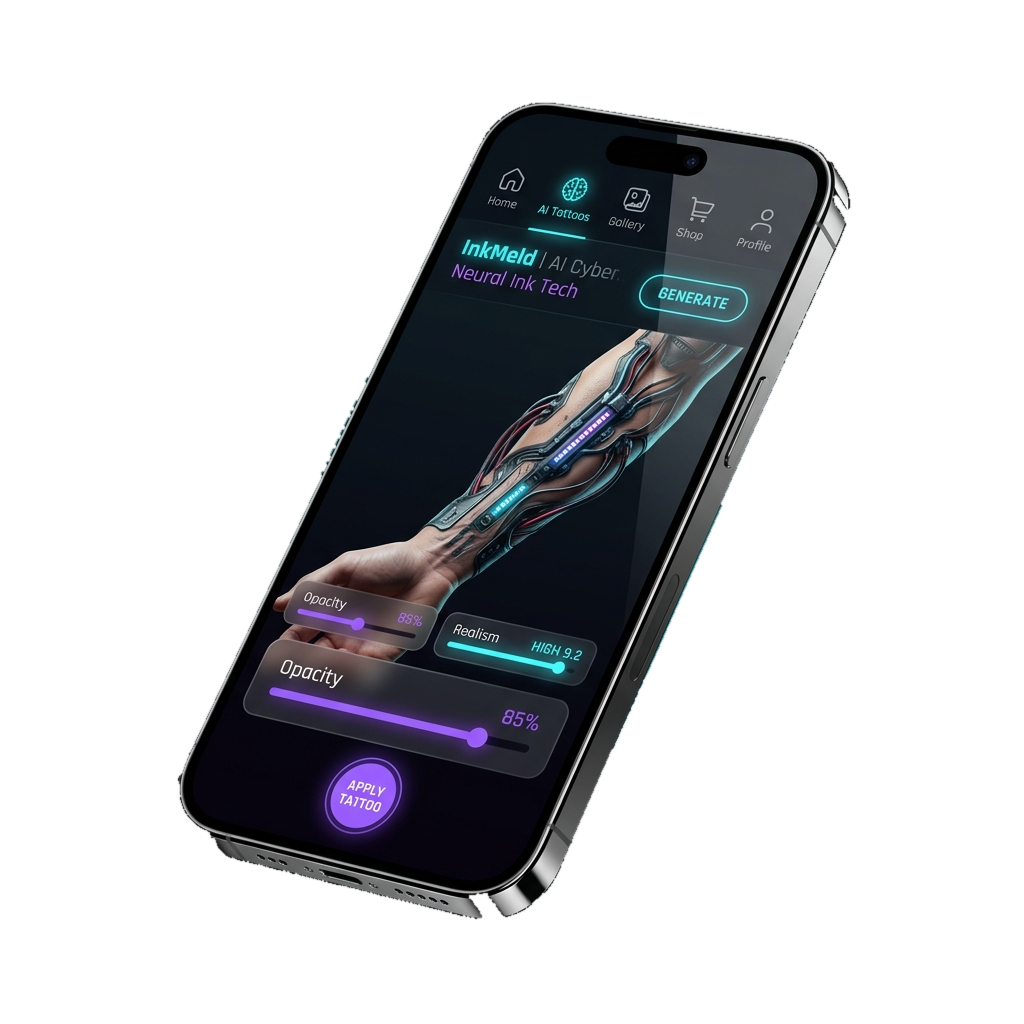
A precision control deck for serious tattoo decisions. Not a sticker. Not a filter. A rehearsal engine that holds up to scrutiny — even from the most particular collector.
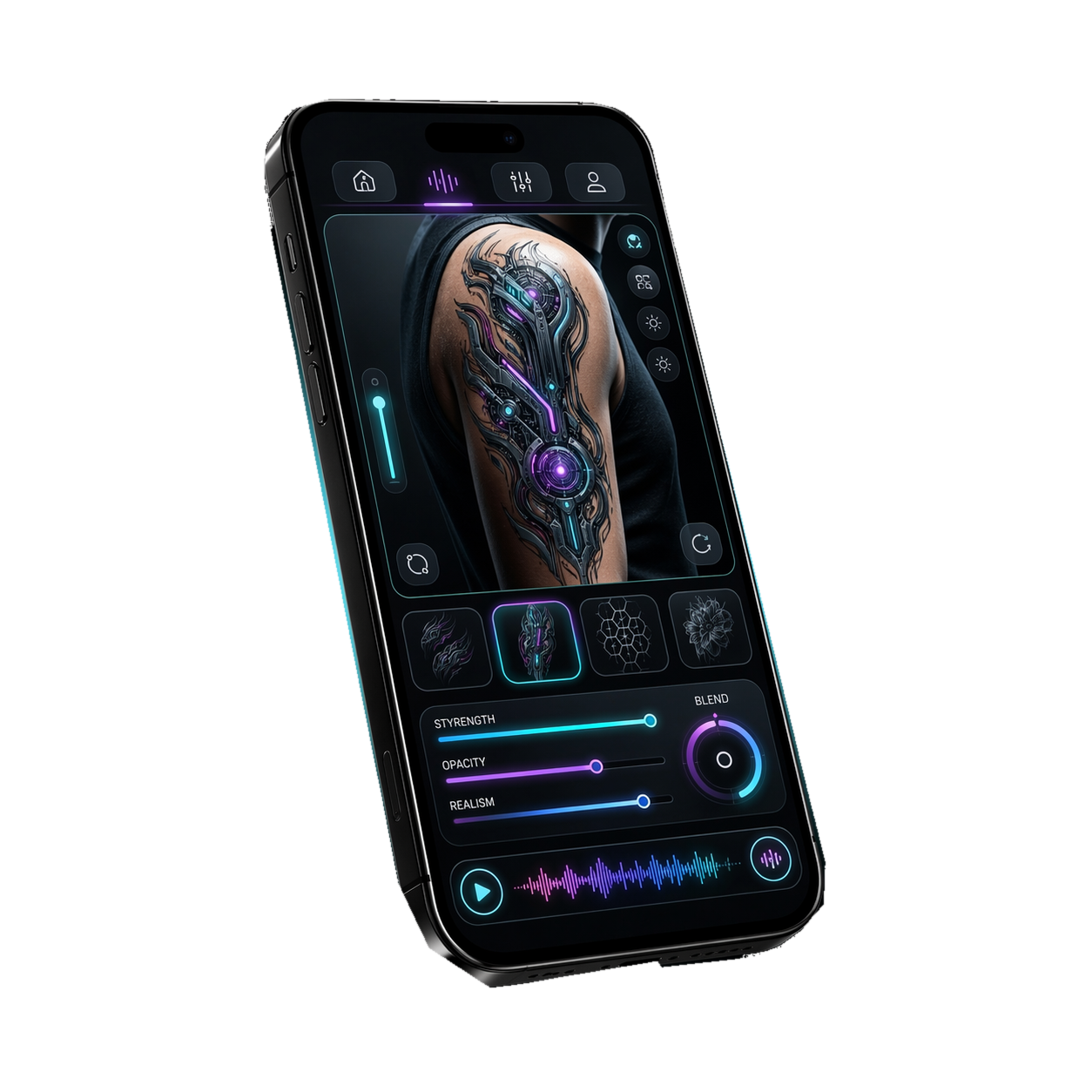
Four steps. Simple enough to feel immediate, deep enough to feel powerful.
Start with a body photo you shot yourself. Bring in the tattoo source from a screenshot, design, symbol, sketch, or reference. Any source.
InkMeld isolates the exact motif you care about — not the background, not a screenshot, the object itself, clean and ready.
Move, rotate, scale, tint, blend, soften, and tune how the ink sits against skin until the illusion feels locked in.
When the preview hits, keep it. Save to your account, export it, share it with your artist, or compare directions before you book.
The power is not one single trick. It is the stack: import, isolate, place, blend, refine, export.
Scale, rotate, and move the artwork over your body photo until the composition sits against the exact anatomy and flow you want.
Multiply, soft light, overlay, screen, and hard light let the same artwork behave like five different material realities on skin.
Edge softness, micro blur, grain, shadow, highlight, and skin blend turn a flat graphic into something bodily and settled — not floating above skin.
Classic Black, Soft Ink, Neon Future, Etched Metal. Jump between moods without rebuilding settings from zero.
Export and share polished previews. Align with your artist before the session, compare variants with friends, and keep a history.
Monthly quota plus purchased AI credits. Server-side receipt verification keeps grants clean — built for serious release, not prototype shortcuts.
Clarity for clients, speed for artists, a better consultation flow for studios. Same app, three reasons to open it.
Explore ideas safely before you commit. Compare placements, styles, and intensity on your own body photos so the final choice feels intentional — not impulsive.
Reduce revision loops. Align faster with client vision. Test rough ideas on body references and convert vague briefs into precise visual direction.
Standardize preview quality across your team. Improve close rates. Make the consultation feel like it operates ten years ahead of the competition.
A premium unlock for power users, with flexible credit top-ups when you need more AI horsepower. No friction. No interrupting your flow.
Premium unlock for power users. Built for deep experimentation, serious iteration, and high-volume tattoo preview workflows.
Flexible credit bundles for additional AI actions when needed. Scale usage without friction during active creation sessions.
The goal is not to replace tattoo artists. The goal is to arrive at the artist with far better signal.
Yes. InkMeld is built for reference chaos. Import a web image, isolate the object with AI, then move into the preview editor to see how that exact visual behaves on your own body photo.
Placement, scale, rotation, tint, brightness, contrast, saturation, hue, opacity, edge softness, micro blur, grain, shadow, highlight, and skin blend — twelve axes of control across color and realism.
No. InkMeld includes tint handling and multiple material presets that push the preview toward dense blackwork, softer ink behavior, futuristic neon energy, or hard reflective finishes.
The app supports a monthly quota plus purchased AI credits. Commerce flows use server-side receipt verification so credit grants happen only after successful validation.
Yes. Save, export, and share behavior lets your best previews move from experiment to real conversation — ready to use in artist consultations or side-by-side comparison rounds.
Anyone in the tattoo decision chain: first-timers exploring ideas, collectors planning their next piece, professional artists streamlining client consultations, and studios that want a modern premium experience.
Install InkMeld in seconds. Place your first preview in under a minute. Every control, every preset, every AI operation — in your pocket.